
Valken Demo: Stages, Controls, and Performance Settings
The Valken demo on Steam features two playable levels: St. Helena Hospital and Edenbrook Airport. Players control a lone operative facing infected mutants and armed hostiles across both third-person and first-person tactical perspectives.
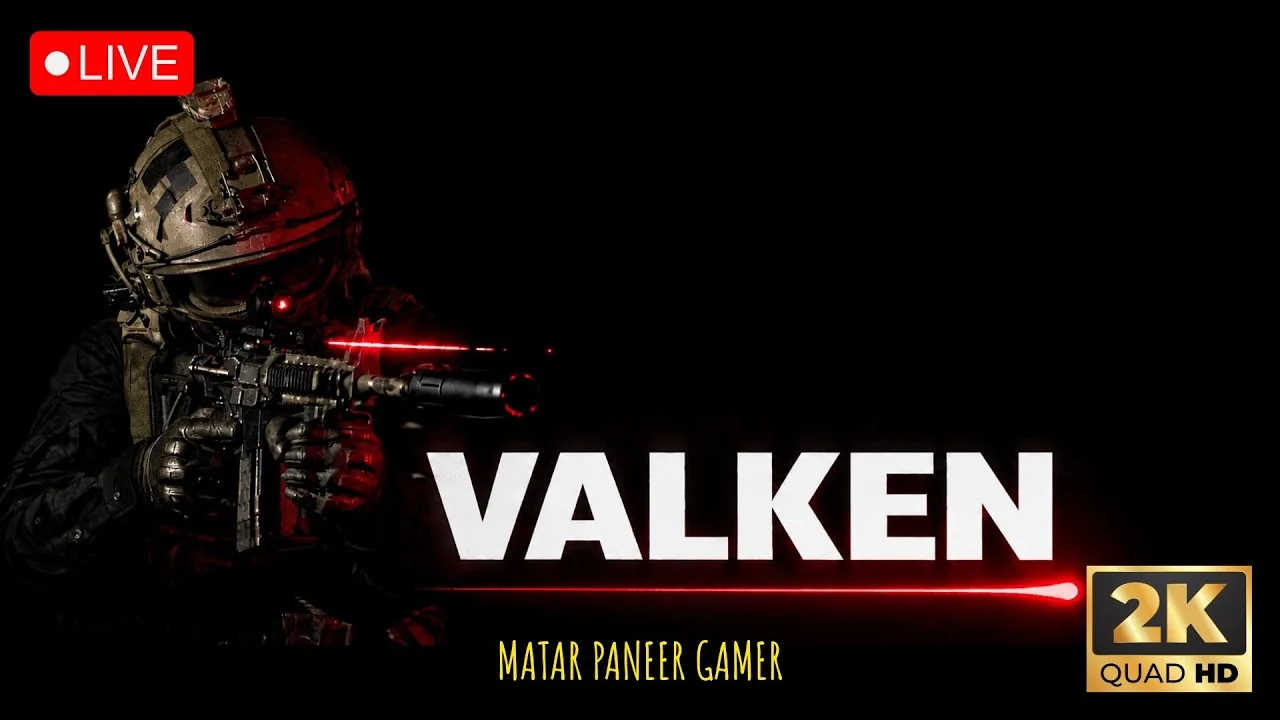
The Valken demo on Steam features two playable levels: St. Helena Hospital and Edenbrook Airport. Players control a lone operative facing infected mutants and armed hostiles across both third-person and first-person tactical perspectives.
Playable Demo Stages and Mission Objectives
The demo build opens at St. Helena Hospital. The initial assignment tasks the operative with locating a medical doctor who was developing an antidote and retrieving the associated research data. Moving through the dark facility requires navigating debris-strewn corridors, checking behind examination rooms, and neutralizing crawling and shambling infected targets. Upon reaching the interior office, the player discovers the doctor dead on the floor with a blade wound in the abdomen. Inspecting the corpse triggers the arrival of an invulnerable brute enemy. The operative must immediately turn, evade the pursuer, and sprint toward the designated facility exit.
Completing the hospital escape triggers a reconnaissance sequence leading into Edenbrook Airport. The operation begins by steering a small surveillance drone through the terminal access paths to spot survivors. After signal interference severs the camera feed, the operative enters the airport on foot.
Edenbrook Airport shifts combat dynamics by introducing armed human opponents alongside rapid infected. Hostile soldiers equipped with gas masks and automatic weapons defend upper walkways and lower gate lounges. Advancing through terminal checkpoints requires clearing defensive lines, rapidly tapping interaction keys to raise security barriers, and proceeding past boarding gates to reach the final tarmac extraction point. A detailed step-by-step route for both environments appears in the demo walkthrough.
Weapon Handling and Inventory Configuration
Ammunition scarcity plays a central role throughout both levels. Fallen hostile guards drop weapons, including AK rifles and compact automatic variants, which can be acquired to replace empty primary arms.
| Weapon Slot Selection | Best Tactical Situation | Practical Tradeoff |
|---|---|---|
| Slot 2: Suppressed Sidearm | Navigating tight corridors with lone walkers | Limited stopping power against aggressive runners |
| Slot 4: Assault Rifle | Engaging groups of armed human guards | High vertical recoil and rapid magazine depletion |
| Slot 5: Tactical Blade | Conserving munitions during silent patrols | Attack animations do not register damage in this build |
The equipment loadout is mapped across numerical keys, with the default keybinds assigning sidearms, rifles, and gear to specific inputs:
- Slot 1 stows equipped weapons to adopt an unarmed stance.
- Slot 2 equips the suppressed pistol in a single-handed carry.
- Slot 3 raises the sidearm into a two-handed ready position.
- Slot 4 pulls out the primary assault rifle.
- Slot 5 brings out the close-quarters knife.
- Pressing R reloads the chamber, consuming whole magazines from the player's reserve pool.
Perspectives and Tactical Movement
Revane Studio constructed the infiltration system around dual camera setups. Players can toggle between first person or third person by pressing C during gameplay. The third-person angle provides expanded peripheral vision when sweeping around doorways, while first-person view offers direct sight alignment down weapon optics. Pressing V or B swaps the operative's shoulder view to clear blind corners without fully exposing the body.
Environmental interactions rely on precise key triggers. Pressing X pulls the character against flat surfaces for cover. Moving cautiously requires holding or toggling the Alt key to slow footsteps, which prevents alert hostiles from pinpointing the operative's position. Heavy doors and barricaded gates require rapidly tapping E to open. Night vision goggles activate with the N key, providing illumination in unpowered basement sections of St. Helena Hospital.
System Requirements and Display Settings
Built in Unreal Engine 5, the project features dynamic volumetric lighting and high-resolution textures that require dedicated hardware graphics capabilities.
Minimum Hardware Specifications:
- Operating System: Windows 10 or Windows 11 (64-bit)
- Processor: Intel Core i5-8400 or AMD Ryzen 5 2600
- Memory: 12 GB RAM
- Graphics Card: NVIDIA GeForce GTX 1060 (6 GB) or AMD Radeon RX 580 (8 GB)
Recommended Hardware Specifications:
- Operating System: Windows 10 (64-bit)
- Processor: Intel Core i7-10700K or AMD Ryzen 7 3700X
- Memory: 16 GB RAM
- Graphics Card: NVIDIA GeForce RTX 3060 (12 GB) or AMD Radeon RX 6700 XT
In the display menu, players on mid-tier hardware configurations can adjust overall visual presets from Ultra to Medium to reduce rendering hitches during intense firefights. Restarting the game client after applying custom resolution scale and texture options stabilizes frame delivery across the airport terminal. Keyboard and mouse controls provide full access to all gameplay functions, while full gamepad support remains scheduled for later development stages ahead of the targeted Q1 2027 release window.
Next step
DLSS 5 Specs
Review official graphics requirements, Unreal Engine 5 visual features, and recommended NVIDIA hardware targets for Valken on Steam.