
Valken Keybinds and Input Controls Guide
Valken assigns primary movement, weapon slots, and environment interactions across standard keyboard inputs, placing interaction on E, cover on X, the sidearm on 1, and the assault rifle on 4. Players can configure basic mouse options directly in the settings menu.
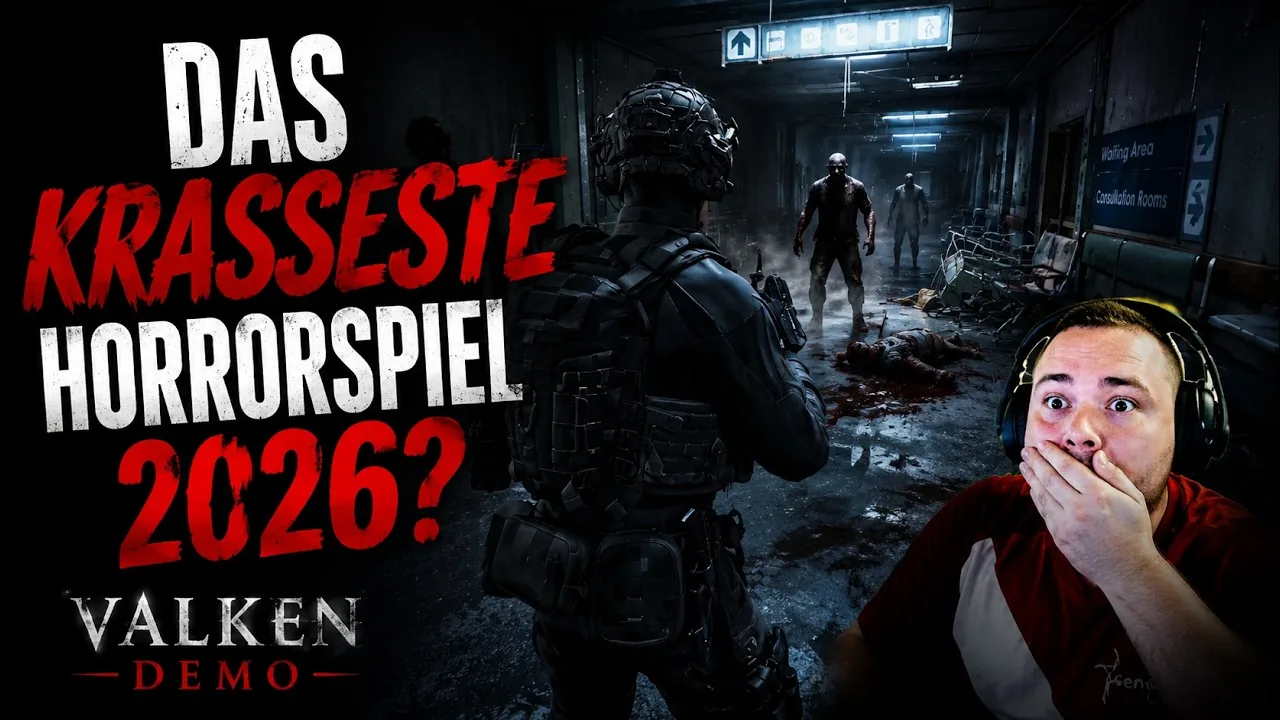
Valken assigns primary movement, weapon slots, and environment interactions across standard keyboard inputs, placing interaction on E, cover on X, the sidearm on 1, and the assault rifle on 4. Players can configure basic mouse options directly in the settings menu.
Default Keyboard Controls and Keybinds
The control scheme in Valken structures tactical operations around direct key presses for inventory selection, environment inspection, and defensive positioning. Movement relies on standard directional movement keys, alongside dedicated inputs for jumping, crouching, and strafing.
| Key / Input | Action | In-Game Function |
|---|---|---|
| 1 | Equip Pistol | Draws the sidearm handgun |
| 4 | Equip Assault Rifle | Equips the primary rifle |
| E | Interact / Inspect | Inspects objective corpses, opens gates, and clears quick-time prompts |
| X | Cover Stance | Locks the character into surface cover to shoot from protection |
| Mouse 1 | Fire | Discharges the currently equipped firearm |
| Mouse 2 | Aim Down Sights | Zooms into aiming perspective |
| R | Reload | Swaps the active magazine with a reserve magazine |
The user interface does not assign weapons to numeric slots 2 or 3 in the playable hospital sequence. Interacting with the environment requires pressing or rapidly tapping the E key during specific story objectives, such as examining fallen researchers or releasing security gates.
Weapon Selection and Tactical Input Handling
Combat encounters in this single player infiltration shooter require managing weapon readiness through distinct input slots. Switching between firearms occurs instantly by pressing the respective number key, but ammunition management uses magazine-based retention rather than a shared bullet pool. Reloading with an active magazine replaces the clip with one of your reserve magazines displayed in the bottom-right HUD counter.
| Equipment / Stance | Target Engagement | Operational Trade-off |
|---|---|---|
| Pistol (Key 1) | Single target defense in narrow hospital corridors | Lower fire rate when handling incoming threats |
| Assault Rifle (Key 4) | Clustered enemy encounters and armed hostiles | Substantial weapon recoil that destabilizes sustained fire |
| Cover Stance (Key X) | Firefights against armed security personnel | Restricts open movement while pinned against walls |
When engaging enemies during the demo, weapon accuracy depends heavily on shot pacing. The assault rifle exhibits heavy vertical recoil during automatic bursts, making tap-firing necessary to conserve rounds. While close-quarters mechanics and the knife appear in story prompts and objective cutscenes, standard clearance relies on firearm engagements and positioning behind solid cover.
Perspective Toggles and Movement Restrictions
Valken features both first person or third person camera perspectives during gameplay. Players can maneuver through interior layouts using walk, sprint, and crouch inputs to break line of sight with hostile patrols. The movement system currently lacks a dedicated prone or crawl stance, restricting stealth approaches to crouching behind furniture, gurneys, and reinforced doorways.
Cover transitions activate through the X key, placing the operative flush against low walls and barriers. This stance enables players to lean and fire while exposing minimal surface area to enemy retaliation. Moving away from the barrier or pressing the cover input disengages the locked stance to resume normal movement.
Input Settings, Axis Options, and Controller Status
The settings menu provides adjustment sliders for mouse sensitivity and viewing behavior. Players adjusting their targeting preferences should account for specific configuration rules:
- Mouse look options include an axis inversion setting, though enabling inversion applies the toggle to both the horizontal X axis and vertical Y axis simultaneously.
- Gamepad implementation remains incomplete in current public builds. Controller users navigating the menu cannot view gamepad button prompts and risk becoming unable to back out of sub-menus without using a mouse.
- Analog thumbstick controls lack operational camera rotation on standard gamepads, leaving directional movement active while disabling manual aiming.
Until Revane Studio adds independent axis toggles and full controller remapping, completing tactical runs in the hospital or airfield environments requires mouse and keyboard inputs for effective combat guide execution.
Next step
Knife Guide
Learn how the Valken knife operates across loadout slots, inspect mechanics, and current demo weapon management.
Related Guides
Stealth Guide
Examine infiltration mechanics, vertical movement options, and AI detection systems to execute undetected runs across hostile military territory.
AI Behavior
Analyze enemy reaction patterns, zombie pursuit mechanics, and armed bot engagement rules across early tactical missions in Valken.